OS RC details for Indian used car dealers

Vehicle RC Management

Vehicle RC Details Check: Instant, Accurate, Built for Dealers

Checking vehicle RC details is a task that car dealers perform every day. They do it both while procuring a car and prior to an impending sale to reassure a buyer. However, having to log into the RTO portal, enter the registration number, verify an OTP, and manually keep a record of the details for every single vehicle in one's inventory of 15 to 150 cars can be a tedious task.

On Vahn360, checking car RC details takes only a few seconds. Simply enter the registration number and get the owner, insurance, and hypothecation details of a vehicle with just one click, all pulled directly from the government's Vahan database, ensuring the accuracy of the information.

Why it matters

Why Vehicle RC Details Check Is Important For Your Dealership

Save from bad procurement decisions

Vehicle RC details check should be the first step in evaluating any car for purchase. Active hypothecation and mismatched owner information could impact the final decision; skipping this step can result in a costly error.

Builds trust with buyers fast

Car buyers are becoming more conscientious and checking vehicle details themselves before buying a car. Buyers tend to trust dealers who offer Check Vehicle RC Details and quickly provide updated status, resulting in faster deals.

Prevent Legal and Compliance Issues

Reselling a car without verifying its RC document can lead to several legal and compliance issues. Expired registration, hypothecation, or incorrect owner details can turn into a nightmare for a dealer. Checking a car's RC details is necessary for any dealership.

Save time during bulk inventory

Checking RC details of a single car might take a few minutes, but at the scale of 50-100 cars, it can burn holes in your pockets. Using the RTO portal to check car RC details for bulk inventory is time-consuming compared to Vahn360.

Four steps

How Vahn360 Checks Vehicle RC Details

01

Step 1: Enter the Registration Number

Just type in the vehicle's registration number; no manual forms to fill out.

02

Step 2: Instant Fetch via Vahan API

Thanks to direct Vahan API integration, vehicle RC details are fetched within seconds, pulled straight from the government-verified database.

03

Step 3: Verify Owner, Insurance & Hypothecation

Owner details, insurance validity, and hypothecation status all appear on one screen everything you need to make a decision, in one place.

04

Step 4: Auto-Saved to Your Inventory Record

No need to note down RC details separately; the data automatically links to the vehicle's record in your inventory.

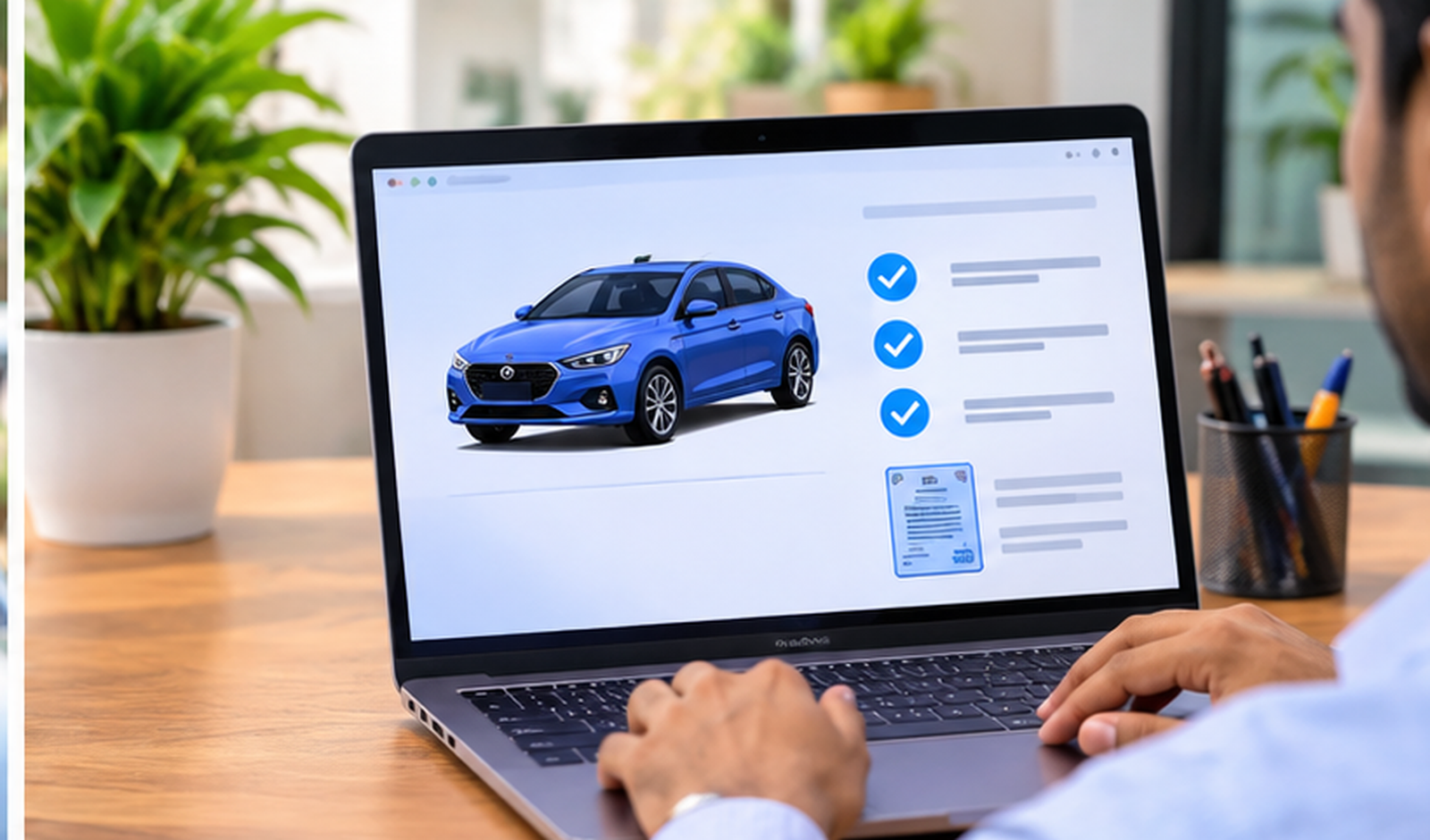
Online vehicle transfer and RC check on laptop
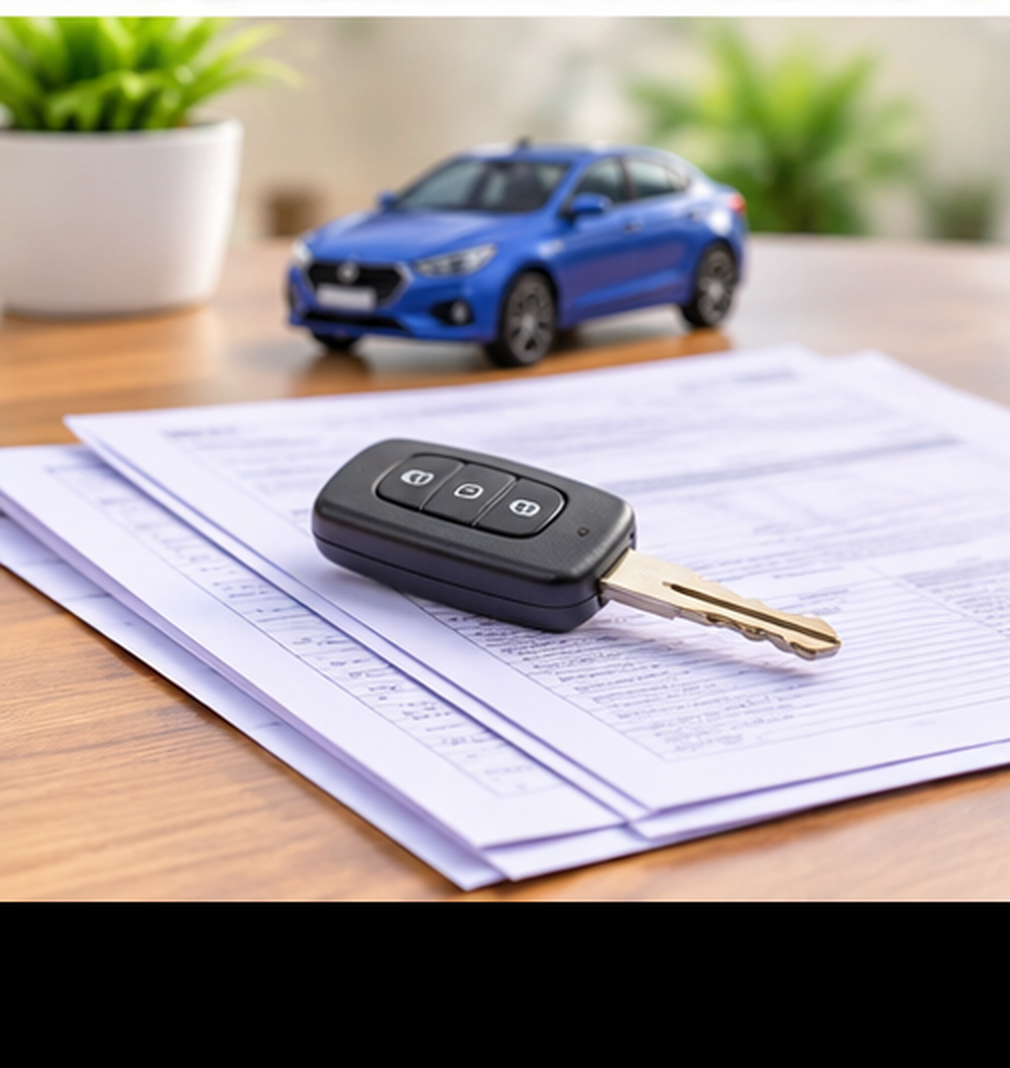
Vehicle keys and RC documents

Full picture on one screen

Everything You Get in One RC Check

Every vehicle RC details check on Vahn360 gives you:

  • Owner's name and registration number
  • Registration date and validity
  • Engine and chassis number
  • Vehicle class and fuel type
  • Insurance validity status
  • Hypothecation (loan) status
  • RTO name and code

All of this on a single screen no jumping between portals. And it's not limited to one car at a time. Vahn360 lets you check RC details across your entire inventory from one place, whether it's 1 car or 100 the process stays just as fast.

Post-sale visibility

Check RC Transfer Status Same Platform

Alongside RC details, Vahn360 also tracks RC transfer status. Once a sale is complete and ownership transfer is underway, both the dealer and the customer get real-time visibility from application submission through to final approval.

This means customers don't need to keep calling the dealership for updates, and dealers get a clean, organized view of every post-sale transfer in progress.

Questions dealers actually ask

FAQs

How can I check vehicle RC details online?
Enter the vehicle's registration number on Vahn360, and RC details are fetched instantly through direct Vahan API integration; no manual entry or third-party portal needed.
What information is included when I check vehicle RC details?
You get the owner's name, registration and validity dates, engine and chassis numbers, vehicle class, fuel type, insurance validity, and hypothecation status all in one view.
Can I check car RC details for multiple vehicles at once?
Yes. Vahn360 is built for dealers, so you can check RC details across your entire inventory instead of looking up one vehicle at a time.
How do I check RC transfer status after a sale?
Once a sale is complete, Vahn360 tracks the RC transfer through every stage from application submission to final approval with real-time status updates on the same platform.
Is checking vehicle RC details free on Vahn360?
RC details check is included as part of the Vahn360 dealership plan, along with inventory, leads, insurance, and finance modules, with no separate charge per check.
Why should dealers verify RC details before buying a used car?
Checking RC details before procurement confirms clean ownership, active hypothecation status, and valid documentation, helping avoid bad purchases and legal disputes later.
Does Vahn360 verify RC details against government records?
Yes, RC details are pulled directly through the Vahan API, which connects to the official government vehicle registration database.

Check RC. Close with confidence.

Book a Free Demo. RC details in seconds.

See how Vahn360 lets your team check vehicle RC details and track transfer status across the entire inventory — one registration number, full details on one screen, auto-saved to your records.

Or write to support@vahn360.com